15 Hidden Android Features You’ll Wish You Knew Earlier
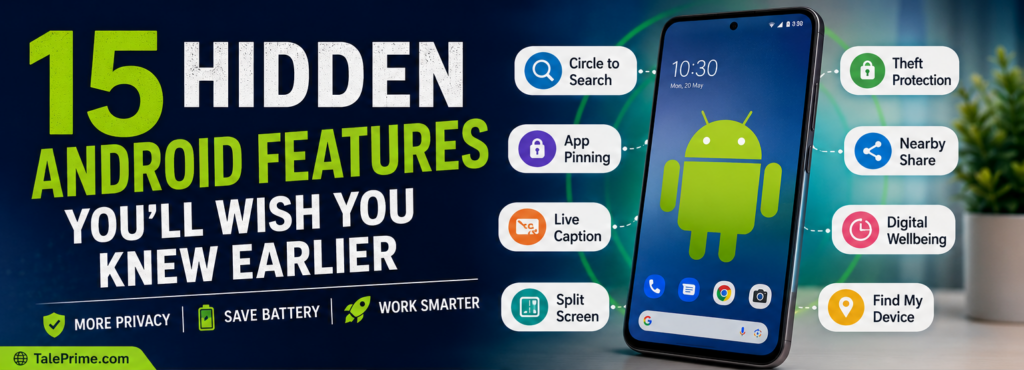
Most people use their Android phone every day, but many don’t realize it comes with powerful hidden features that can make life easier.
From protecting your privacy to saving battery life and boosting productivity, these built-in tools can help you get much more from your smartphone—without installing extra apps.
Let’s explore 15 hidden Android features you’ll wish you had started using sooner.
1. Circle to Search
Need to know what something is without switching apps?
Simply circle or tap any image or text on your screen to search instantly.
Best for:
- Shopping
- Homework
- Finding landmarks
- Translating text
2. App Pinning
Want to hand your phone to someone without giving access to everything?
Use App Pinning to lock your phone to a single app.
Perfect when:
- Kids use your phone
- Friends borrow your phone
- Making digital payments
Path:
Settings → Security → App Pinning
3. Live Caption
Watching a video without sound?
Android can automatically create captions for videos, podcasts, and even voice messages.
Great for:
- Public places
- Hearing assistance
- Learning new languages
4. Theft Protection
Modern Android phones include features that help protect your data if your phone is stolen.
Some phones can:
- Lock automatically after theft detection
- Lock when offline
- Let you remotely locate your device
5. Split Screen Mode
Need to watch YouTube while taking notes?
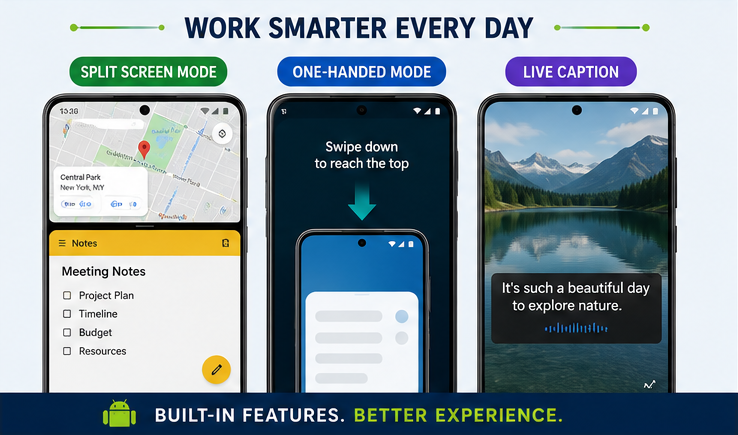
Open two apps at the same time.
Examples:
- YouTube + Notes
- Maps + WhatsApp
- Browser + Calculator
6. Guest Mode
Let someone borrow your phone without exposing your personal photos, messages, or apps.
Guest Mode creates a temporary, separate user space.
7. Digital Wellbeing
Wondering where all your time goes?
Digital Wellbeing shows:
- Screen time
- App usage
- Unlock count
- Focus Mode
- Bedtime Mode
8. Nearby Share (Quick Share)
Transfer photos, videos, and documents to nearby Android devices in seconds without using mobile data.
9. One-Handed Mode
Large phones can be difficult to use with one hand.
One-Handed Mode moves the screen lower so you can comfortably reach everything.
10. Emergency SOS
Quickly contact emergency services or trusted contacts by pressing the power button multiple times (availability depends on your device and region).
You can also share your live location in an emergency.
11. Live Translate
Translate text messages, web pages, and conversations in supported languages without copying and pasting.
A useful feature while travelling or chatting with people who speak another language.
12. Battery Health & Adaptive Charging
Android learns your charging habits and slows charging near 100% to reduce battery wear on supported devices.
This can help extend your battery’s lifespan.
13. Notification History
Accidentally dismissed an important notification?
Notification History lets you view recently cleared notifications.
Path:
Settings → Notifications → Notification History
14. Screen Recording
Record your screen without installing third-party apps.
Perfect for:
- Tutorials
- Gaming
- Reporting bugs
- Sharing instructions
15. Find My Device
Lost your phone?
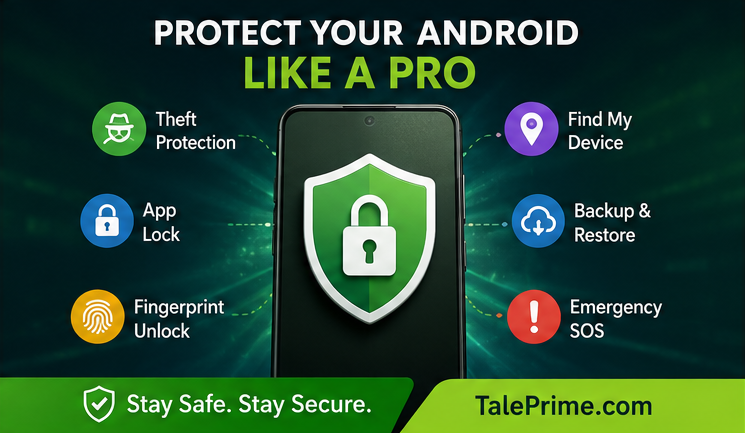
Use Find My Device to:
- Locate your phone
- Ring it
- Lock it remotely
- Erase your data if necessary
Bonus Tips
✔ Keep Android updated regularly.
✔ Install apps only from trusted sources.
✔ Review app permissions every few months.
✔ Enable two-factor authentication for important accounts.
✔ Use a strong screen lock with fingerprint or face unlock where available.
Why These Features Matter
Many people install third-party apps for tasks that Android can already handle.
By using these hidden features, you can:
- Improve privacy
- Save battery life
- Increase productivity
- Protect personal data
- Reduce the need for extra apps
- Get more value from your phone
Final Thoughts
Android keeps adding useful features with every update, but many remain hidden in the settings menu. Spending just a few minutes exploring these tools can make your phone safer, faster, and easier to use.
Try a few of these features today—you might discover your favorite Android trick.
Frequently Asked Questions (FAQ)
Q1. Do all Android phones have these features?
Answer: Not all features are available on every device. Availability depends on your Android version and phone manufacturer.
Q2. Which Android feature is best for privacy?
Answer: App Pinning, Guest Mode, Theft Protection, and Find My Device are among the most useful privacy and security features.
Q3. Can these features improve battery life?
Answer: Yes. Adaptive Charging, Digital Wellbeing, and battery optimization settings can help extend battery life.
Q4. Do I need to install extra apps?
Answer: No. Most of these features are built into Android.