6 Free Lightweight Operating Systems That Can Bring Old Computers Back to Life
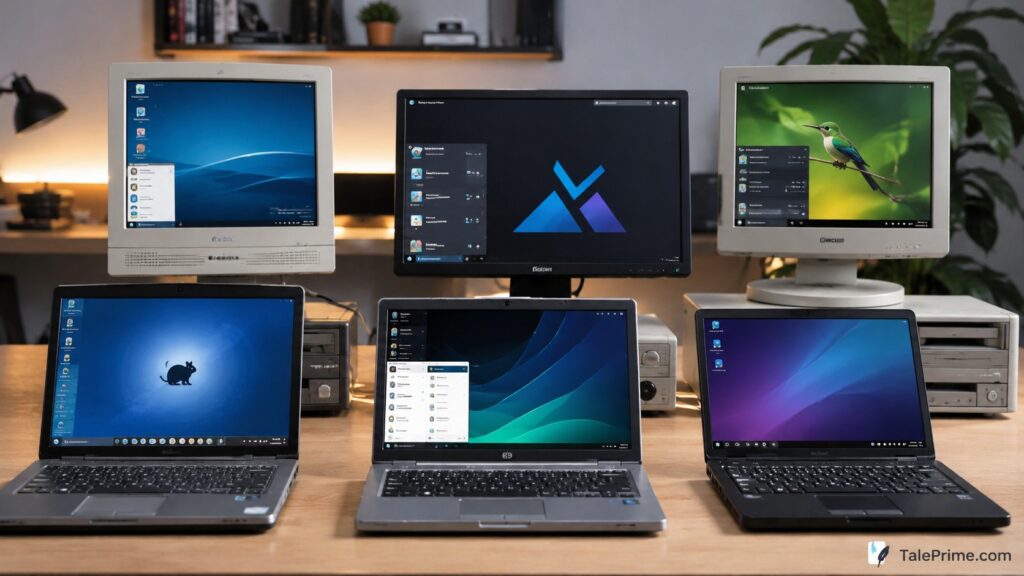
Many old computers end up unused because modern operating systems require more memory and processing power than older hardware can handle. The good news is that several free lightweight operating systems are designed specifically for aging laptops and desktops.
These operating systems are free, easy to install, and come with graphical user interfaces (GUI), so you don’t need to use complicated command-line tools.
Whether you want to browse the web, watch YouTube, write documents, or use your old PC as a backup machine, these lightweight operating systems can help.
1. Linux Lite – Best for Windows Users
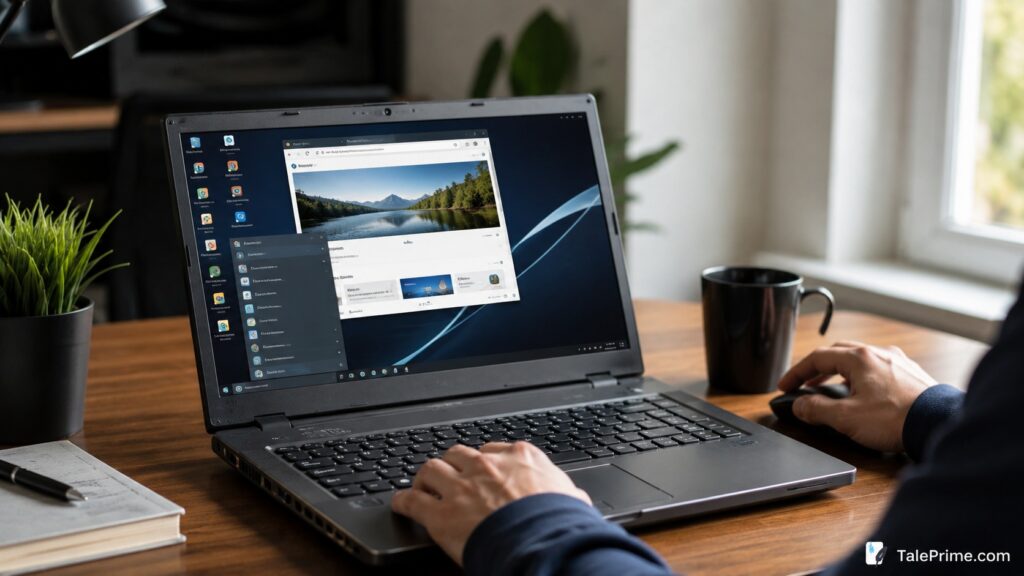
Linux Lite is one of the easiest Linux distributions for beginners. Its desktop layout feels similar to Windows, making the transition simple.
What Can You Do With It?
Linux Lite includes or supports:
- Firefox for web browsing
- LibreOffice for documents, spreadsheets, and presentations
- VLC Media Player for videos and music
- Thunderbird for email
- GIMP for image editing
Why Choose Linux Lite?
- Easy for Windows users
- Fast performance
- Regular updates
- Large community support
Minimum Requirements
- 1 GHz Processor
- 1 GB RAM
- 20 GB Storage
Download
Official Download:
https://www.linuxliteos.com/download.php
2. Lubuntu – Lightweight Yet Powerful
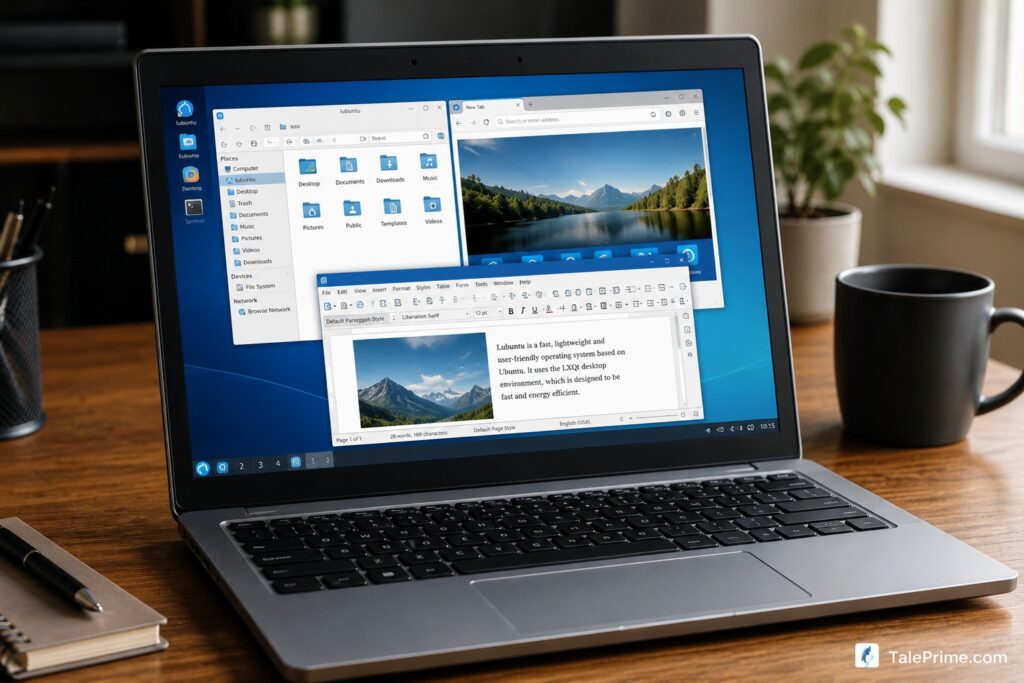
Lubuntu uses the LXQt desktop environment, making it fast while still offering a modern desktop experience.
Popular Applications
- Firefox
- LibreOffice
- VLC Media Player
- qBittorrent
- Discover Software Center
Why Choose Lubuntu?
- Based on Ubuntu
- Huge software library
- Excellent hardware compatibility
- Beginner-friendly
Minimum Requirements
- 1 GB RAM
- 10 GB Storage
Download
Official Download:
https://lubuntu.me/downloads/
3. Puppy Linux – Perfect for Very Old PCs
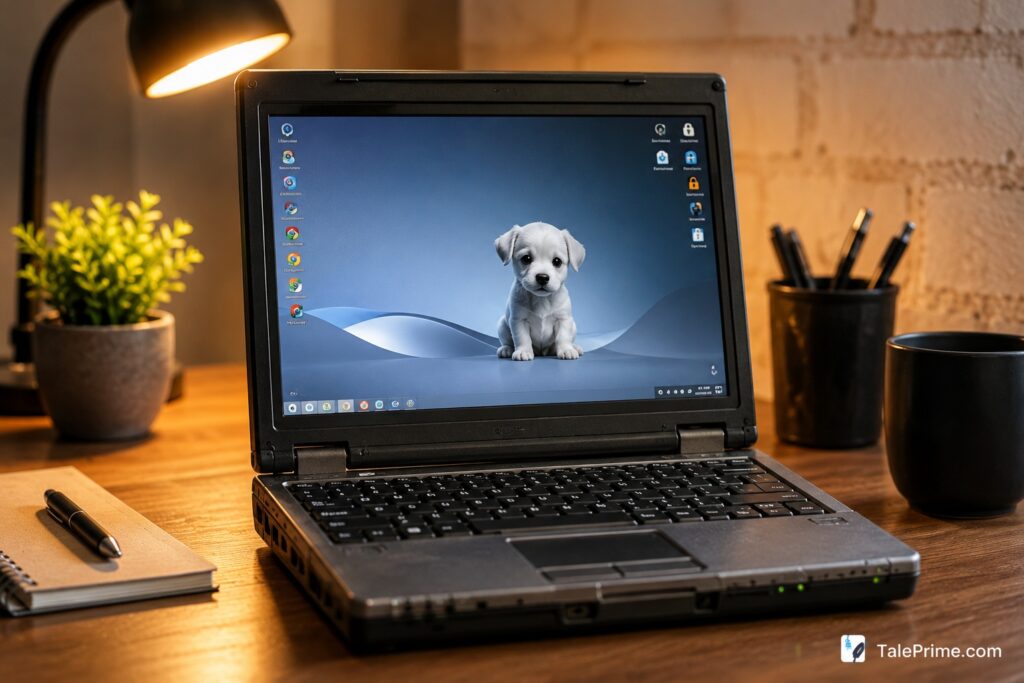
Puppy Linux is known for its incredible speed and ability to run on computers that struggle with modern operating systems.
Popular Applications
Depending on the version, Puppy Linux includes:
- Palemoon Browser
- AbiWord
- Gnumeric Spreadsheet
- Media players
- File management tools
Why Choose Puppy Linux?
- Tiny download size
- Can run from USB
- Extremely fast
- Great for computers over 10 years old
Minimum Requirements
- 512 MB RAM
Download
Official Download:
https://puppylinux-woof-ce.github.io/
4. MX Linux – Stable and Reliable
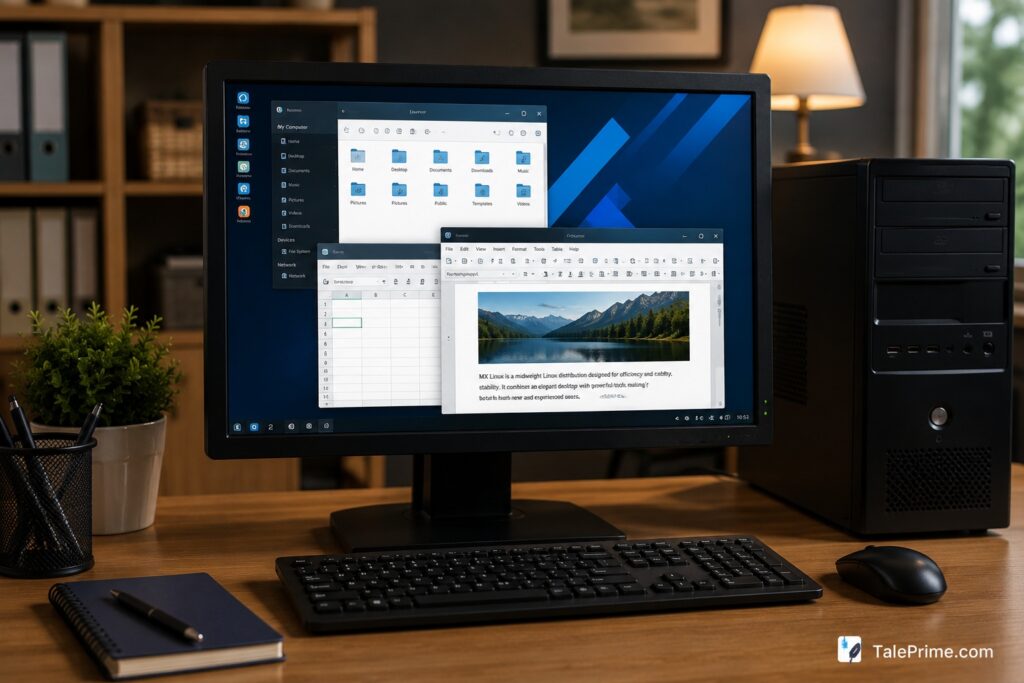
MX Linux is frequently ranked among the most popular Linux distributions because of its balance between performance and ease of use.
Popular Applications
- Firefox
- LibreOffice
- VLC
- MX Package Installer
- Thunderbird
Why Choose MX Linux?
- Stable and secure
- Beginner-friendly
- Excellent hardware support
- Useful built-in tools
Minimum Requirements
- 1 GB RAM
- 10 GB Storage
Download
Official Download:
https://mxlinux.org/download-links/
5. antiX – Built for Extremely Low-End Hardware
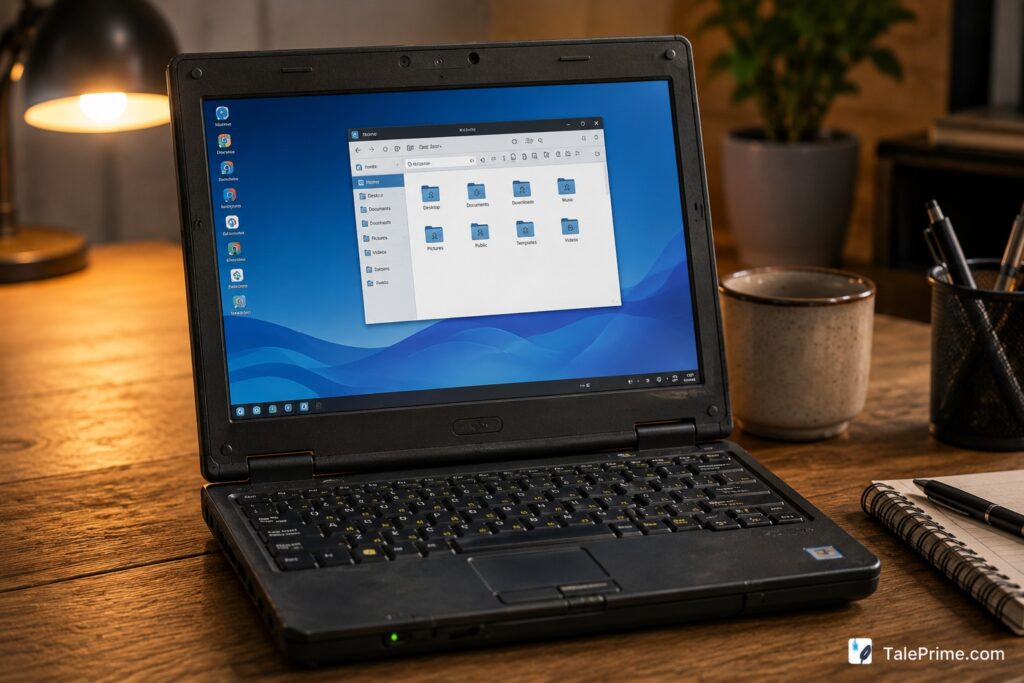
antiX is designed for users who want maximum performance on older computers.
Popular Applications
- Firefox ESR
- LibreOffice (optional)
- Claws Mail
- VLC
- Lightweight file managers
Why Choose antiX?
- Very low system requirements
- Fast boot times
- Excellent performance on old laptops
- Active community support
Minimum Requirements
- 256 MB RAM
- 5 GB Storage
Download
Official Download:
https://antixlinux.com/
6. Bodhi Linux – Modern Appearance, Low Resource Usage
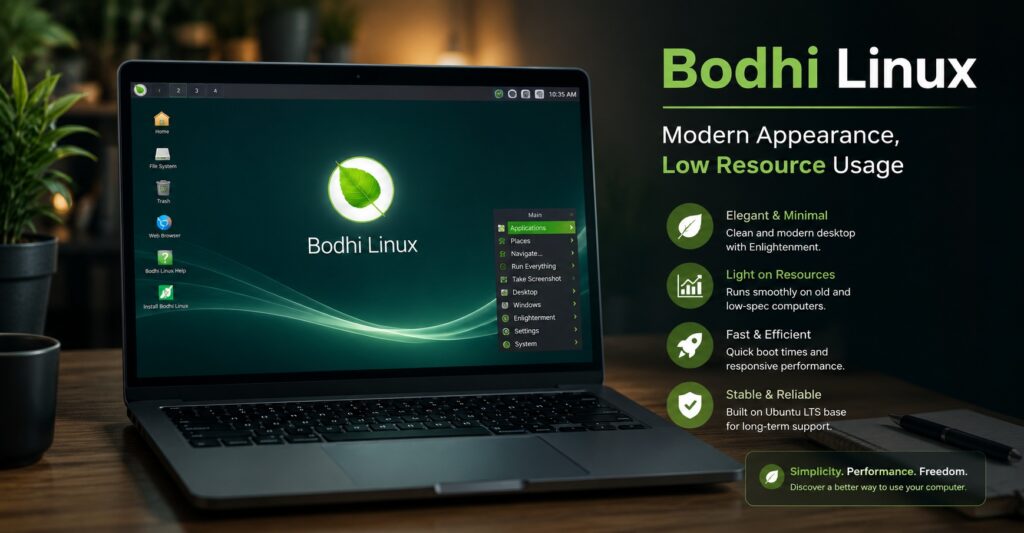
Bodhi Linux offers a sleek desktop while remaining lightweight.
Popular Applications
Users can easily install:
- Chromium Browser
- Firefox
- LibreOffice
- VLC
- GIMP
Why Choose Bodhi Linux?
- Attractive interface
- Lightweight Moksha desktop
- Fast performance
- Highly customizable
Minimum Requirements
- 512 MB RAM
- 5 GB Storage
Download
Official Download:
https://www.bodhilinux.com/download/
Comparison Table
| Operating System | Best For | RAM Requirement |
|---|---|---|
| Linux Lite | Windows Users | 1 GB |
| Lubuntu | Everyday Use | 1 GB |
| Puppy Linux | Very Old PCs | 512 MB |
| MX Linux | Stability | 1 GB |
| antiX | Lowest Hardware Specs | 256 MB |
| Bodhi Linux | Modern Appearance | 512 MB |
Which One Should You Choose?
- Choose Linux Lite if you’re coming from Windows.
- Choose Lubuntu for everyday browsing and office work.
- Choose Puppy Linux for very old hardware.
- Choose MX Linux for long-term stability.
- Choose antiX for extremely low-end computers.
- Choose Bodhi Linux if you want a modern-looking desktop.
Final Thoughts
Before replacing your old computer, try installing one of these lightweight operating systems. Most can handle web browsing, email, office work, media playback, and even basic photo editing on hardware that would otherwise be considered obsolete.
A simple OS upgrade could give your old laptop several more years of useful life while helping reduce electronic waste.