10 AI Mistakes That Make People Look Unprofessional (And How to Avoid Them)
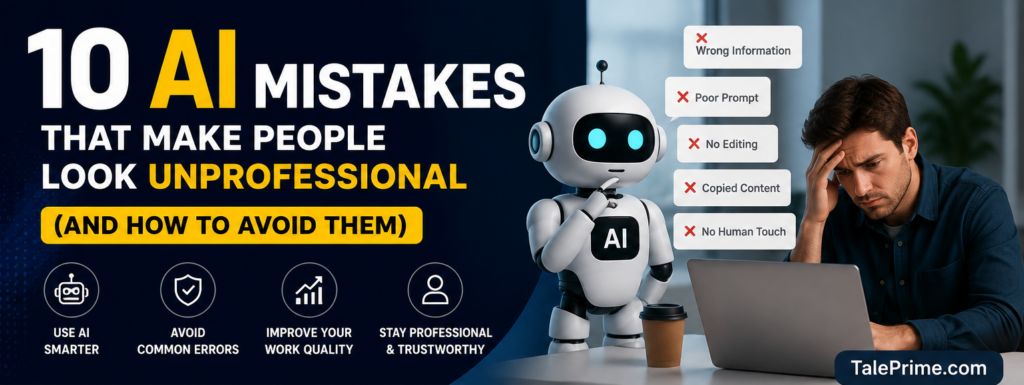
Artificial Intelligence has become part of everyday life. People use AI to write emails, create presentations, generate images, solve coding problems, and even prepare for interviews.
But here’s the problem.
Many people use AI without checking the results. This often creates content that looks robotic, inaccurate, or simply unprofessional.
If you’re using AI for work, studies, blogging, or business, avoid these common mistakes.
1. Copying AI Output Without Reading It
This is the biggest mistake.
AI can make mistakes or include outdated information.
Always read everything before publishing or sending it.
Better Tip: Spend two minutes proofreading every AI response.
2. Using Generic Prompts
Bad prompts produce bad results.
Instead of writing:
“Write a blog.”
Try:
“Write a 1,500-word blog in simple English with examples, FAQs, SEO headings, and a friendly tone.”
The better your prompt, the better your result.
3. Trusting AI for Every Fact
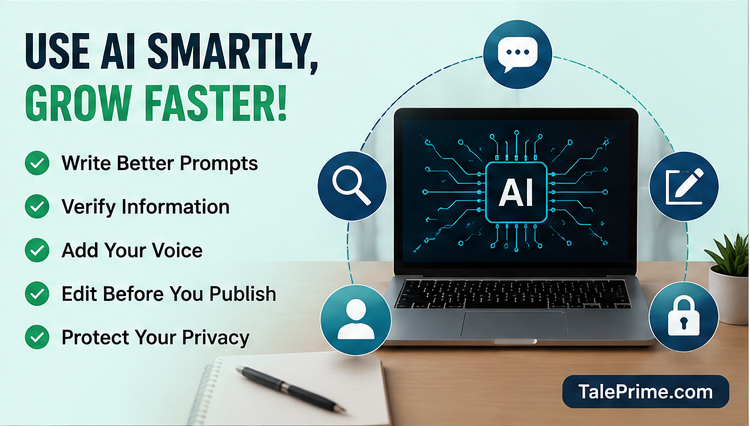
AI is smart—but not perfect.
It can sometimes provide incorrect statistics, dates, or technical information.
Always verify important facts using trusted sources.
4. Forgetting the Human Touch
Readers connect with people, not robots.
Add your own experience, opinions, or examples.
A personal story can make your content much more engaging.
5. Ignoring Grammar and Formatting
Even good AI content can look messy.
Use:
- Short paragraphs
- Bullet points
- Clear headings
- Simple language
Clean formatting keeps readers interested.
6. Publishing Without Editing
AI creates a first draft—not the final version.
Remove repeated ideas.
Simplify long sentences.
Replace difficult words with everyday language.
7. Using AI Images Without Checking Them
AI-generated images may contain:
- Wrong text
- Extra fingers
- Strange faces
- Unrealistic objects
Always inspect images before using them.
8. Expecting AI to Replace Creativity
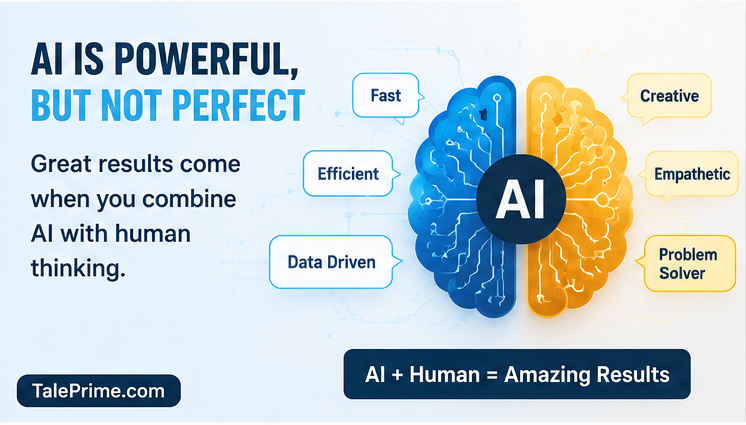
AI is a tool, not a replacement for your ideas.
The best content comes from combining AI with your own creativity.
Think of AI as your assistant—not your boss.
9. Sharing Sensitive Information
Never paste:
- Passwords
- Bank details
- Customer information
- Confidential company documents
Protect your privacy and your organization’s data.
10. Thinking AI Knows Everything
Technology changes every day.
Sometimes AI may miss recent updates.
Stay curious and keep learning instead of relying on AI for everything.
Bonus Tip
Use AI to save time—not to stop thinking.
The smartest people use AI to improve their work, not replace their knowledge.
Final Thoughts
Artificial Intelligence is one of the most powerful tools available today.
But like every tool, it works best when used wisely.
Avoid these common mistakes, and you’ll create content that looks professional, trustworthy, and genuinely useful.
Remember: AI can write for you—but only you can add personality, experience, and originality.
That’s what people remember.
Frequently Asked Questions (FAQ)
1. Can AI make mistakes while writing?
Yes. AI can sometimes generate incorrect facts, repetitive content, or awkward sentences. Always review and edit AI-generated text before using it.
2. Why should I edit AI-generated content?
Editing helps remove errors, improve readability, add your personal style, and make the content more useful for readers.
3. Can Google detect AI-generated content?
Google focuses on the quality and usefulness of content, not whether it was created with AI. Helpful, original, and accurate content can perform well in search results.
4. What is the biggest AI mistake beginners make?
The biggest mistake is copying AI-generated content without checking it for accuracy, grammar, and relevance.
5. Is it safe to share personal information with AI?
No. Avoid sharing passwords, financial details, confidential business information, or any sensitive personal data with AI tools.
6. How can I write better AI prompts?
Be specific about your goal. Include details such as the audience, tone, word count, format, and examples to get more accurate results.
7. Can AI replace human creativity?
No. AI can assist with ideas and drafting, but human creativity, emotions, and personal experiences make content unique and engaging.
8. Which professions benefit the most from AI?
AI is useful for writers, students, marketers, programmers, designers, teachers, business owners, and customer support professionals.
9. How do I know if AI-generated information is accurate?
Cross-check important facts with trusted websites, official documentation, or reliable news sources before publishing or making decisions.
10. Can AI improve workplace productivity?
Yes. AI can automate repetitive tasks, summarize information, generate ideas, and save time, allowing people to focus on higher-value work.