5 Best Free Outlook Alternative in 2026
Microsoft Outlook is one of the most popular email applications in the world. However, many users are now looking for free alternatives that offer similar features without the cost of a Microsoft 365 subscription.

Whether you need email, calendar management, contacts, or task tracking, there are several excellent free options available. Here are the best free Outlook alternatives you can use in 2026.
1. Mozilla Thunderbird
Mozilla Thunderbird is the most popular free alternative to Outlook.
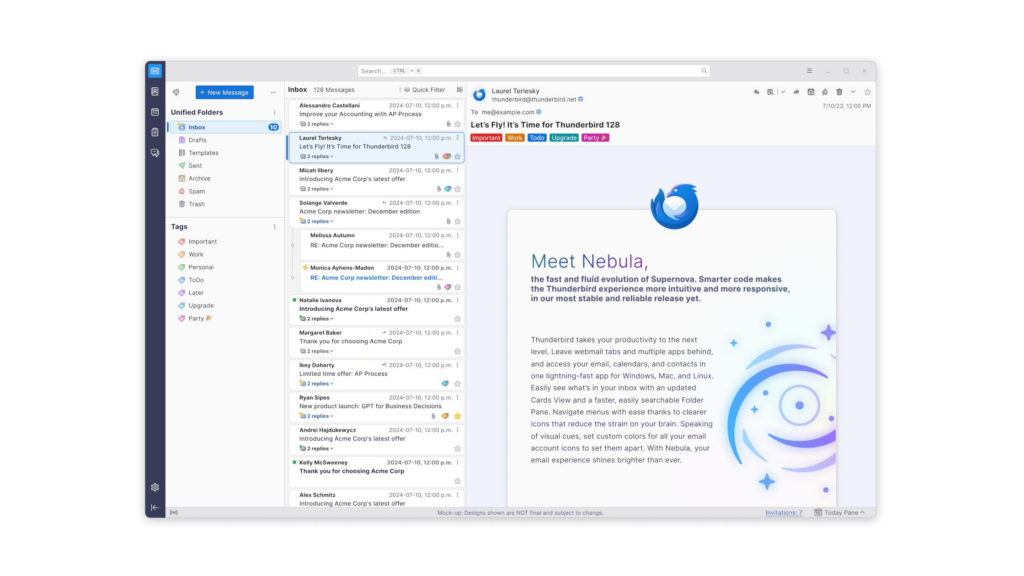
Features:
- Free and open-source
- Supports multiple email accounts
- Built-in calendar and task management
- Strong security and privacy features
- Available on Windows, Mac, and Linux
Best For:
Users who want a powerful desktop email client without paying a subscription fee.
2. Proton Mail
Proton Mail is perfect for people who value privacy.
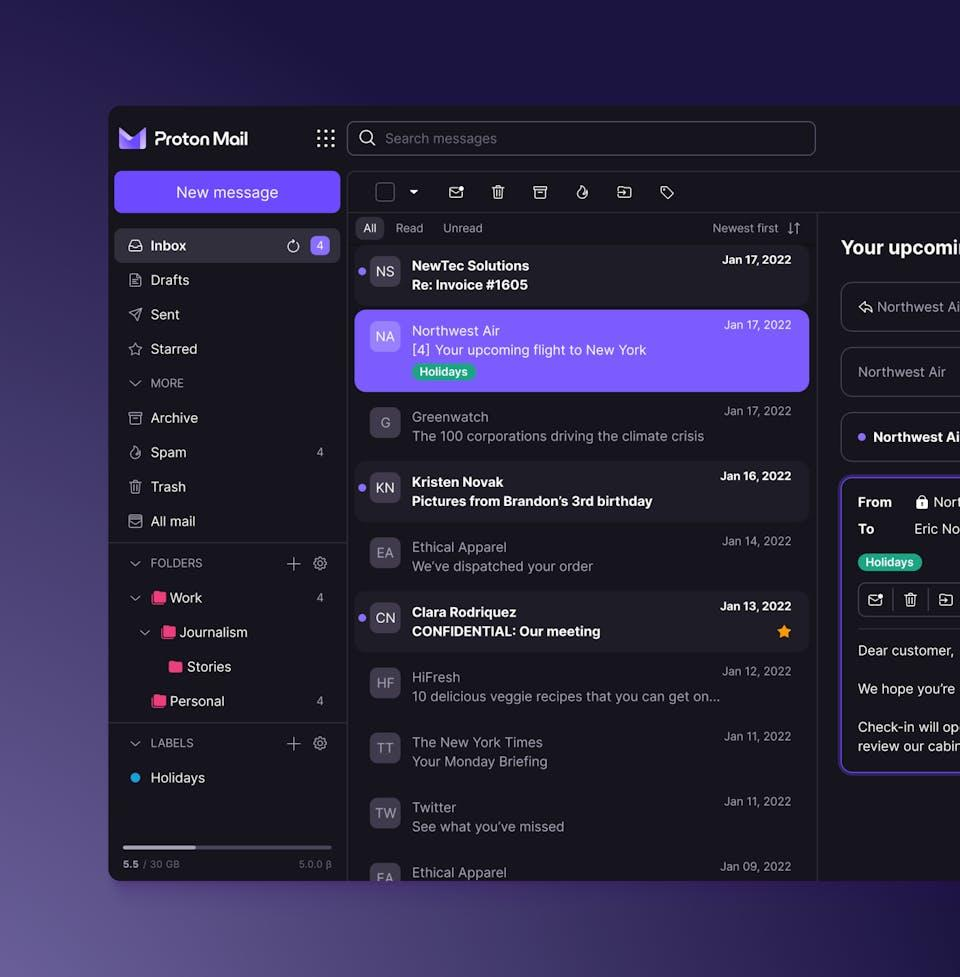
Features:
- End-to-end encrypted emails
- Free email account available
- Built-in calendar
- User-friendly interface
- Mobile and desktop support
Best For:
Users who want secure and private email communication.
3. Gmail
Gmail remains one of the easiest and most reliable email services.
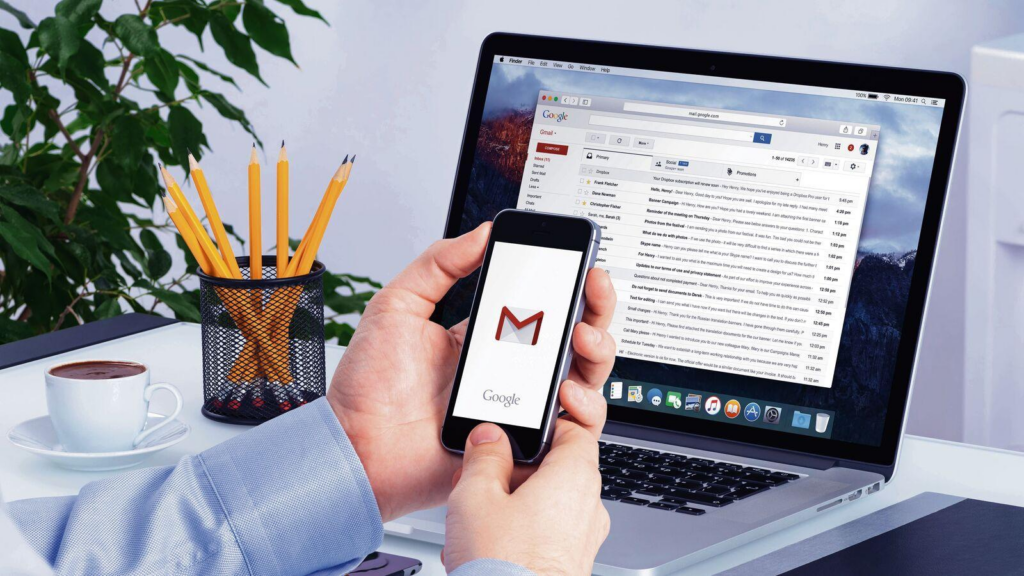
Features:
- Free Google account
- Excellent spam protection
- Google Calendar integration
- Large storage capacity
- Access from any device
Best For:
Users looking for a simple cloud-based email solution.
4. eM Client
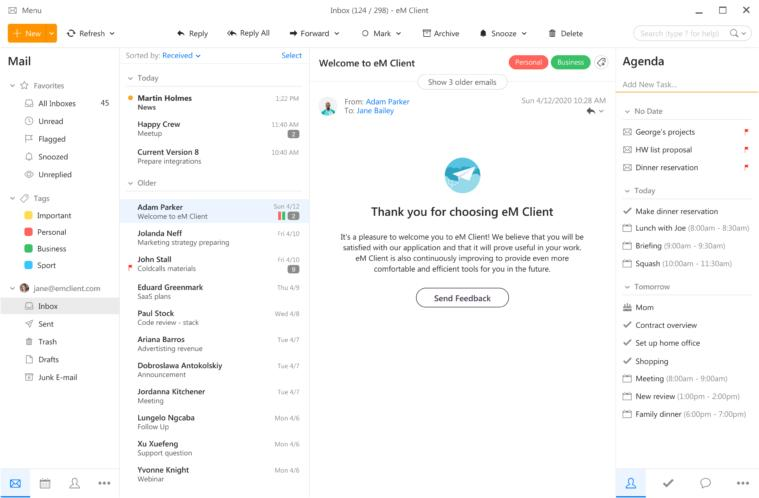
eM Client offers an Outlook-like experience with a modern design.
Features:
- Email, calendar, contacts, and tasks
- Easy setup
- Clean interface
- Free version available
Best For:
Users switching from Outlook who want a familiar layout.
5. Zoho Mail
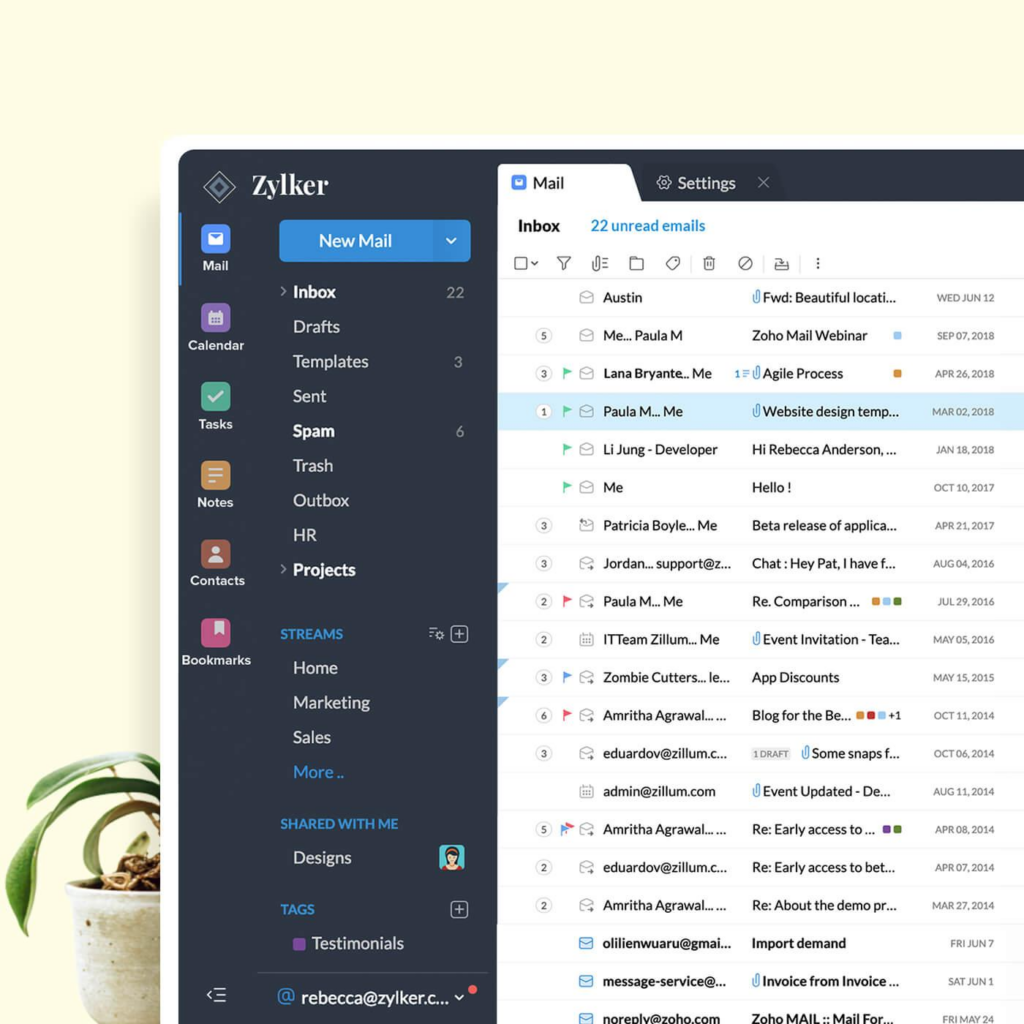
Zoho Mail is a professional email solution with a generous free plan.
Features:
- Ad-free email experience
- Calendar and contacts included
- Mobile apps available
- Good for personal and small business use
Best For:
Freelancers, students, and small businesses.
Which Free Outlook Alternative Should You Choose?
If you want the closest replacement to Outlook, Mozilla Thunderbird is the best choice.
If privacy is your top priority, choose Proton Mail.
If you prefer cloud-based services, Gmail is the easiest option.
For business users, Zoho Mail offers excellent value at no cost.
Final Thoughts
You don’t need to pay for Microsoft Outlook to manage your emails efficiently. Free alternatives like Thunderbird, Proton Mail, Gmail, eM Client, and Zoho Mail provide excellent features and can easily handle your daily email needs.
Try a few of them and choose the one that best fits your workflow and personal preferences.
Frequently Asked Questions (FAQ)
1. What is the best free alternative to Microsoft Outlook?
Mozilla Thunderbird is widely considered the best free alternative to Microsoft Outlook. It offers email management, calendars, contacts, and task management without requiring a subscription.
2. Is Thunderbird completely free?
Yes, Thunderbird is completely free and open-source. There are no hidden charges, premium plans, or advertisements.
3. Which Outlook alternative is best for privacy?
Proton Mail is one of the best privacy-focused email services. It uses end-to-end encryption to help protect your emails and personal data.
4. Can I use Gmail instead of Outlook?
Yes. Gmail is a popular cloud-based email service that includes Google Calendar, Contacts, and excellent spam protection, making it a great Outlook alternative.
5. Are free Outlook alternatives safe to use?
Yes, reputable services such as Thunderbird, Proton Mail, Gmail, and Zoho Mail are safe and trusted by millions of users worldwide.
6. Can I import my Outlook emails and contacts into another email app?
Most email clients, including Thunderbird and eM Client, allow you to import emails, contacts, and calendars from Outlook with minimal effort.
7. Which free Outlook alternative is best for business users?
Zoho Mail is a great choice for freelancers and small businesses because it offers professional email features, calendars, contacts, and an ad-free experience.
8. Do free Outlook alternatives support multiple email accounts?
Yes. Thunderbird, eM Client, and many other email clients allow you to manage multiple email accounts from a single dashboard.
9. Can I access these Outlook alternatives on mobile devices?
Yes. Gmail, Proton Mail, and Zoho Mail have dedicated Android and iPhone apps. Thunderbird also offers mobile support through its mobile applications.
10. Do I need Microsoft 365 to use Outlook alternatives?
No. Free Outlook alternatives work independently and do not require a Microsoft 365 subscription.
11. Which Outlook alternative is easiest for beginners?
Gmail is the easiest option for beginners due to its simple interface, powerful search capabilities, and seamless integration with Google services.
12. Are there any free Outlook alternatives with built-in calendars?
Yes. Thunderbird, Proton Mail, Gmail, Zoho Mail, and eM Client all offer calendar functionality to help manage appointments and schedules.
13. Can I use Outlook alternatives offline?
Thunderbird and eM Client support offline access, allowing you to read and manage emails even without an internet connection.
14. Is Proton Mail free forever?
Proton Mail offers a free plan with limited storage and features. Users can upgrade to premium plans if they need additional storage and advanced tools.
15. Which free Outlook alternative should I choose in 2026?
- Thunderbird – Best overall free Outlook replacement.
- Proton Mail – Best for privacy and security.
- Gmail – Best for simplicity and cloud access.
- eM Client – Best Outlook-like experience.
- Zoho Mail – Best for freelancers and small businesses.