7 Best Free Microsoft Office Alternatives in 2026 (No Subscription Required)
Microsoft Office is one of the most popular productivity suites in the world. However, not everyone wants to pay for a subscription just to create documents, spreadsheets, or presentations.
The good news? There are several free alternatives that offer excellent features and can handle most daily office tasks without costing a single penny.
Whether you’re a student, freelancer, remote worker, or small business owner, these free office suites can save money while keeping you productive.
Why Look for a Free Microsoft Office Alternative?
Many users are switching because:
- Microsoft 365 requires a paid subscription.
- Some PCs struggle with resource-heavy software.
- Open-source options provide greater flexibility.
- Many free tools support Microsoft Office file formats.
Let’s explore the best free alternatives available today.
1. LibreOffice
LibreOffice is often considered the best free replacement for Microsoft Office.
Features:
- Word processing with Writer
- Spreadsheets with Calc
- Presentations with Impress
- Database management
- Open-source and community-driven
Best For:
Students, professionals, and businesses looking for a complete offline office suite.
Official Website: https://www.libreoffice.org
2. ONLYOFFICE
ONLYOFFICE offers a modern interface that feels familiar to Microsoft Office users.
Features:
- Excellent compatibility with DOCX, XLSX, and PPTX files
- Real-time collaboration
- Desktop and cloud versions
- Clean and professional design
Best For:
Teams and businesses collaborating on documents.
Official Website: https://www.onlyoffice.com
3. Apache OpenOffice
OpenOffice remains a trusted office suite with a long history.
Features:
- Word processor
- Spreadsheet software
- Presentation tools
- Lightweight installation
Best For:
Users with older computers who need basic office functionality.
Official Website: https://www.openoffice.org
4. Google Docs, Sheets & Slides
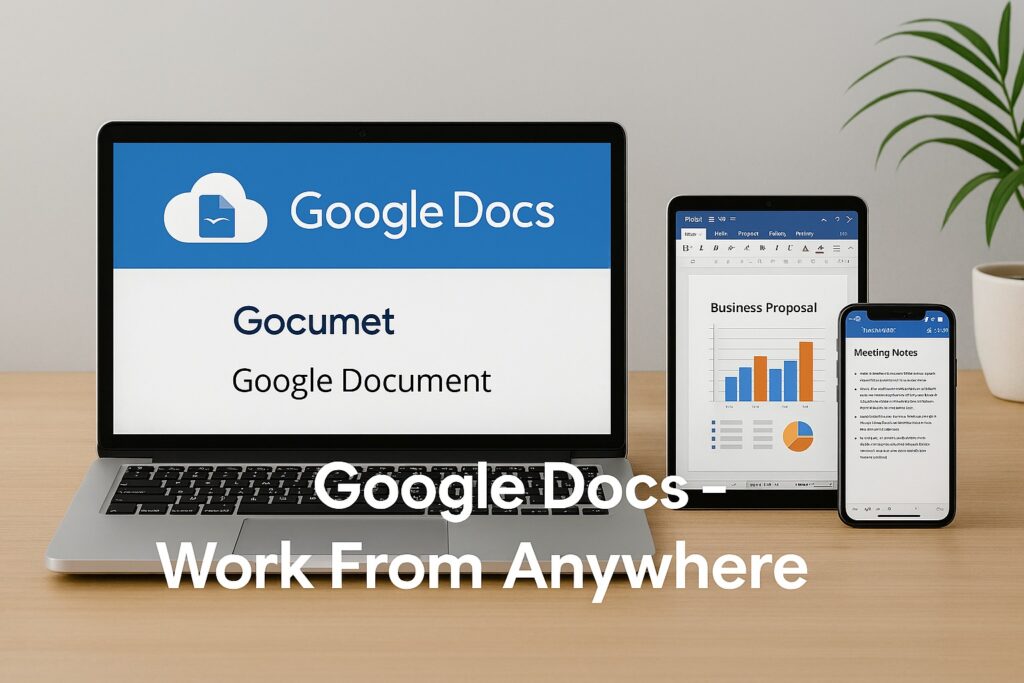
Google’s online office suite is completely free with a Google account.
Features:
- Cloud-based access
- Automatic saving
- Real-time collaboration
- Accessible from any device
Best For:
Remote teams and users who work online frequently.
Official Website: https://docs.google.com
5. WPS Office Free
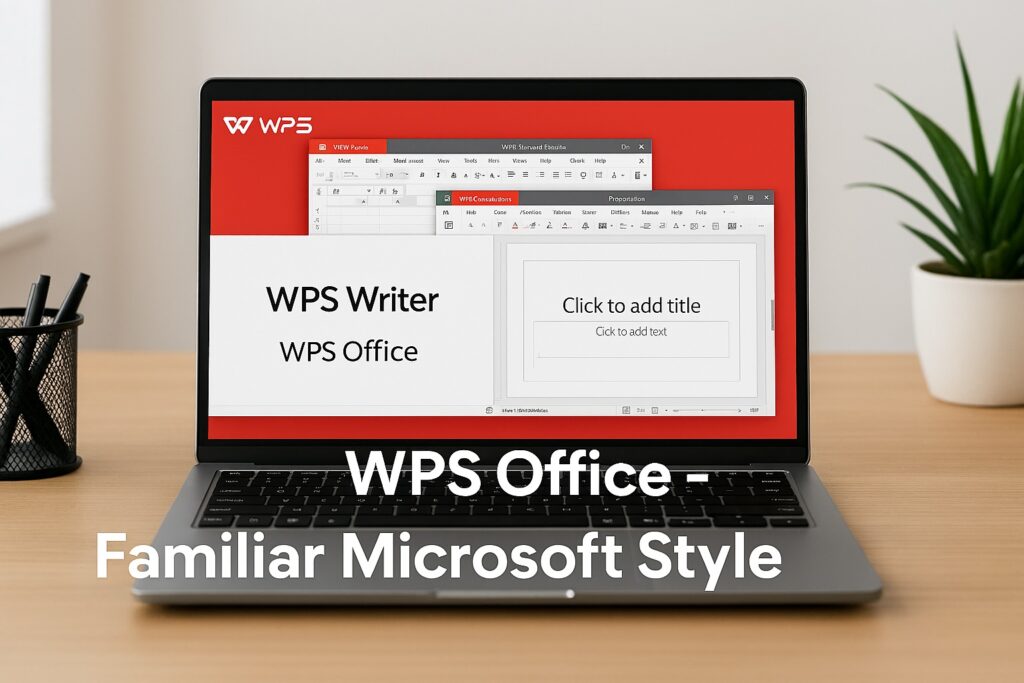
WPS Office provides one of the most polished user experiences among free office suites.
Features:
- Familiar Microsoft Office-style interface
- PDF tools included
- Templates for business and education
- Cross-platform support
Best For:
Users migrating directly from Microsoft Office.
Official Website: https://www.wps.com
6. FreeOffice
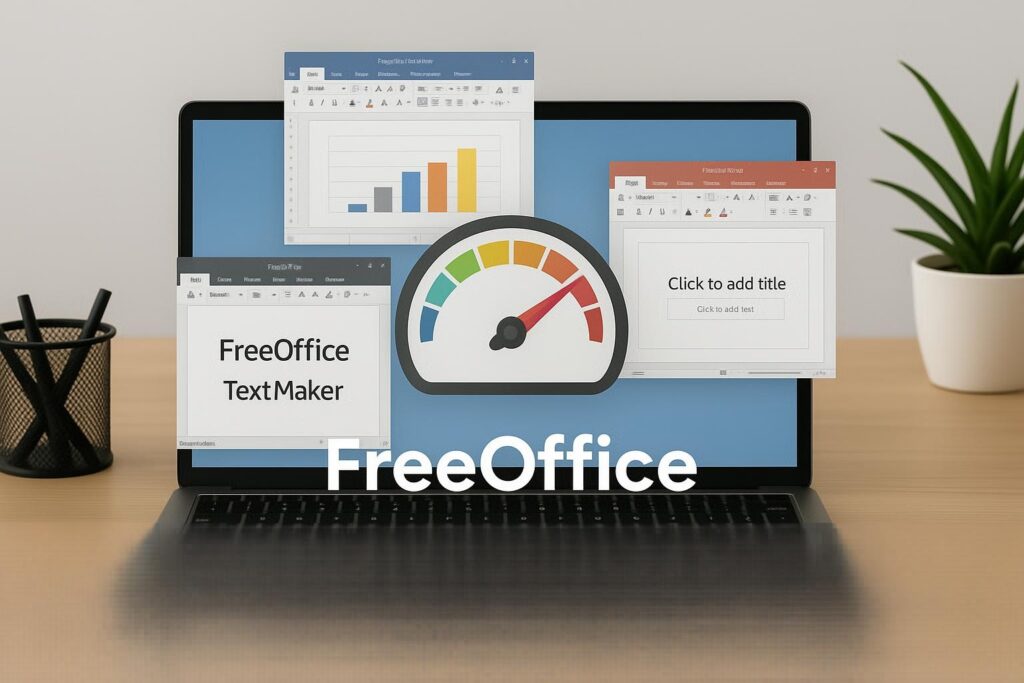
FreeOffice offers strong compatibility with Microsoft formats.
Features:
- Fast performance
- Modern user interface
- Supports DOCX, XLSX, and PPTX
- Available for Windows, Linux, and Android
Best For:
Users seeking speed and simplicity.
Official Website: https://www.freeoffice.com
7. Zoho Workplace
Zoho Workplace is a cloud-based productivity platform.

Features:
- Online document editing
- Team collaboration tools
- Email integration
- Business-friendly features
Best For:
Small businesses and startups.
Official Website: https://www.zoho.com/workplace
Which Free Office Suite Is Best?
The answer depends on your needs:
- Best Overall: LibreOffice
- Best Microsoft Compatibility: ONLYOFFICE
- Best Cloud Solution: Google Docs
- Best User Interface: WPS Office
- Best for Teams: Zoho Workplace
- Best Lightweight Option: Apache OpenOffice
Final Thoughts
You don’t need an expensive Microsoft 365 subscription to stay productive. Modern free office suites now offer powerful tools for creating documents, spreadsheets, presentations, and collaborating with others.
For most users, LibreOffice and ONLYOFFICE provide the closest experience to Microsoft Office while remaining completely free.
Have you tried any of these alternatives? Share your experience and help others choose the right office suite for their needs.
Frequently Asked Questions (FAQ)
1. What is the best free alternative to Microsoft Office?
LibreOffice is often considered the best free alternative to Microsoft Office because it includes word processing, spreadsheets, presentations, and database tools without requiring a subscription.
2. Can free office suites open Microsoft Word files?
Yes. Most free office suites such as LibreOffice, ONLYOFFICE, WPS Office, and FreeOffice can open and edit Microsoft Word (DOCX), Excel (XLSX), and PowerPoint (PPTX) files.
3. Is LibreOffice completely free?
Yes. LibreOffice is open-source software and completely free to download, use, and distribute for personal or business purposes.
4. Which free office suite has the best Microsoft Office compatibility?
ONLYOFFICE is widely known for its excellent compatibility with Microsoft Office file formats and document layouts.
5. Can I use these office alternatives offline?
Yes. LibreOffice, ONLYOFFICE Desktop, Apache OpenOffice, WPS Office, and FreeOffice can all be used without an internet connection.
6. Which office suite is best for online collaboration?
Google Docs and Zoho Workplace are excellent choices for online collaboration because multiple users can edit documents simultaneously.
7. Are free office suites safe to use?
Yes, provided you download them from their official websites. Popular options like LibreOffice, ONLYOFFICE, Google Docs, and Apache OpenOffice are trusted by millions of users worldwide.
8. Which free office suite works best on older computers?
Apache OpenOffice and FreeOffice are lightweight options that work well on older PCs with limited hardware resources.
9. Do I need a Microsoft account to use these alternatives?
No. Most alternatives do not require a Microsoft account. Some cloud-based options may require their own free account for online storage and collaboration features.
10. Can businesses use free office software?
Yes. Many businesses use LibreOffice, ONLYOFFICE, and Zoho Workplace to reduce software costs while maintaining productivity.