
10 Free Websites That Feel Like Magic
The internet is full of hidden gems.
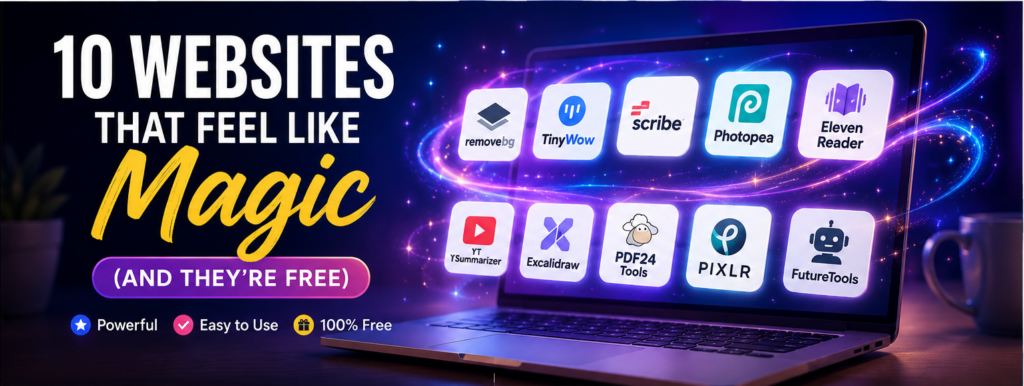
While most people visit the same few websites every day, there are thousands of powerful websites that can save time, boost productivity, and even do things that seem impossible.
From removing image backgrounds in one click to turning long YouTube videos into quick summaries, these free websites can completely change the way you work and learn.
Here are 10 websites that truly feel like magic.
1. Remove.bg
What it does
Upload any photo and the background disappears automatically in seconds.
No Photoshop. No editing skills. Just upload and download.
Best For
- Passport photos
- Product images
- Social media posts
- Profile pictures
Why it feels like magic
It accurately detects people, pets, and objects with just one click.
Visit: Remove.bg
2. TinyWow
TinyWow offers dozens of free online tools in one place.
You can:
- Edit PDFs
- Convert Word to PDF
- Compress files
- Remove image backgrounds
- Generate AI text
- Convert videos
No account is required for most tools.
Visit: TinyWow
3. Scribe
Ever wanted to create a step-by-step guide automatically?
Simply perform a task on your computer while Scribe records every click and instantly creates a professional guide with screenshots.
Perfect for office documentation and training.
Visit: Scribe
4. Photopea
Think of it as Photoshop inside your browser.
Photopea lets you:
- Edit PSD files
- Remove objects
- Design graphics
- Create social media posts
Best of all, it’s completely free.
Visit: Photopea
5. ElevenReader
Don’t have time to read?
Paste an article or upload a document, and ElevenReader reads it aloud using natural AI voices.
Great for students and busy professionals.
Visit: ElevenReader
6. YT Summarizer
Long YouTube videos can take hours.
Simply paste the video link and receive a quick summary highlighting the key points.
Perfect for tutorials, interviews, and educational videos.
7. Excalidraw
Need to explain an idea?
Excalidraw lets you create beautiful hand-drawn diagrams, flowcharts, and mind maps directly in your browser.
No sign-up needed.
Visit: Excalidraw
8. PDF24 Tools
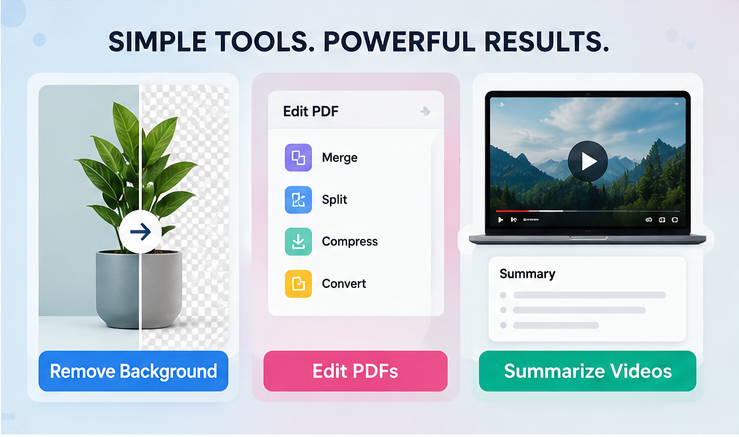
Working with PDFs has never been easier.
With PDF24 you can:
- Merge PDFs
- Split PDFs
- Compress files
- Convert documents
- Add page numbers
- Protect PDFs
Everything is available for free.
Visit: PDF24 Tools
9. Pixlr
Pixlr is an easy online photo editor packed with AI-powered features.
You can:
- Remove backgrounds
- Enhance images
- Create posters
- Design thumbnails
- Apply creative effects
Perfect for beginners and content creators.
Visit: Pixlr
10. FutureTools
Finding good AI tools can be overwhelming.
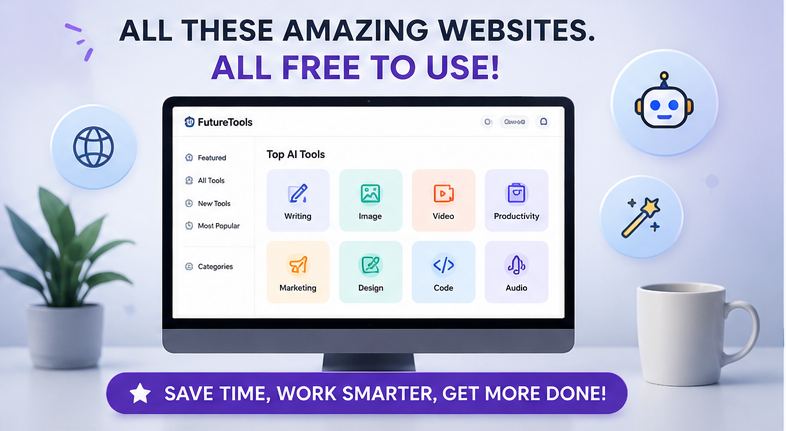
FutureTools organizes hundreds of useful AI websites into categories like:
- Writing
- Coding
- Image Generation
- Video Editing
- Productivity
- Marketing
Instead of searching for hours, you can discover new AI tools in minutes.
Visit: FutureTools
Quick Comparison
| Website | Best For |
|---|---|
| Remove.bg | Background Removal |
| TinyWow | PDF & File Tools |
| Scribe | Automatic Tutorials |
| Photopea | Photo Editing |
| ElevenReader | AI Audio Reading |
| YT Summarizer | Video Summaries |
| Excalidraw | Diagrams & Mind Maps |
| PDF24 Tools | PDF Editing |
| Pixlr | AI Photo Editing |
| FutureTools | Discovering AI Tools |
Final Thoughts
These websites prove that you don’t always need expensive software to get professional results.
Whether you’re a student, creator, freelancer, or office professional, these tools can save hours every week while making everyday tasks much easier.
The best part? Every website listed here offers free features that are more than enough for most users.
Try a few of them today—you’ll wonder how you ever managed without them.
Frequently Asked Questions (FAQ)
1. Are these websites really free?
Answer: Yes. All of them offer free access or generous free plans. Some also provide optional premium upgrades.
2. Do I need to install any software?
Answer: No. Most of these websites work directly in your web browser.
3. Which website is best for students?
Answer: TinyWow, ElevenReader, Excalidraw, and YT Summarizer are especially useful for studying and completing assignments.
4. Which website is best for content creators?
Answer: Photopea, Pixlr, Remove.bg, and FutureTools are excellent choices for creating high-quality content.
5. Are these websites safe to use?
Answer: These are well-known tools used by millions of people. As with any online service, avoid uploading confidential or sensitive personal documents unless you’re comfortable with the provider’s privacy policy.




Removing image backgrounds in one click used to be a paid editor feature, so it makes sense as the anchor example for free tools that feel impossible. Photo-based try-on is heading the same direction, and Wedding Dress Try-On applies it to bridal shopping: upload one photo and see how different gowns actually sit on your frame before booking a single salon appointment. Ruling out half the dresses from your couch saves the same kind of time the rest of that list promises.
One-click background removal is the classic example of a task that used to eat real time in Photoshop, so it earns its place on a list like this. Clothes swapping runs into the same person-segmentation problem with an extra layer, because you also have to generate believable fabric over the masked area — that’s the core challenge behind Dressora‘s virtual try-on. Curious whether any of the ten go beyond editing into actual generation.
This helped more than I expected it to. Been staring at this problem for a week and it finally clicked. free HDR photo enhancer for the fiddly bit, if like.