10 Free AI Features Already Built Into Your Phone (You’re Probably Not Using Them)
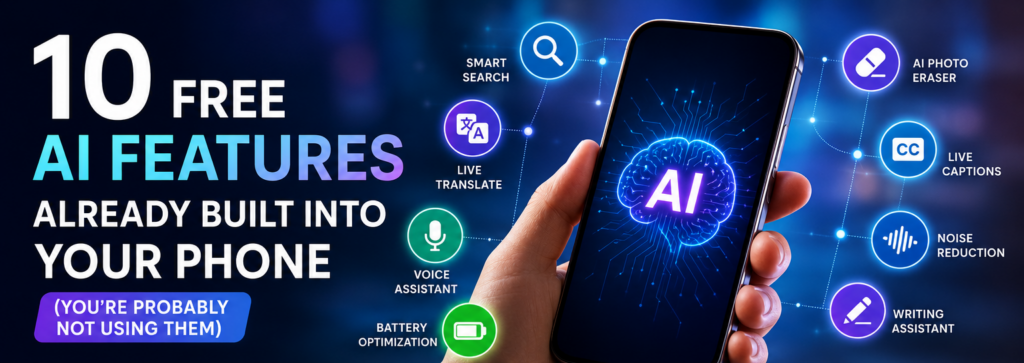
Artificial Intelligence is no longer limited to chatbots and websites.
Today, your smartphone already includes several AI-powered features that can make everyday tasks easier.
Whether you use an Android phone or an iPhone, there are hidden AI tools that help you write messages, edit photos, translate languages, remove background noise, and much more.
Here are 10 AI features you should start using today.
1. Circle to Search
Instead of copying text or taking screenshots, simply circle anything on your screen to search it instantly.
Perfect for:
- Shopping
- Finding places
- Identifying products
- Learning about objects
2. Live Translate
Translate conversations, messages, or web pages without switching apps.
Useful while:
- Traveling
- Chatting with international friends
- Reading foreign websites
3. AI Photo Eraser
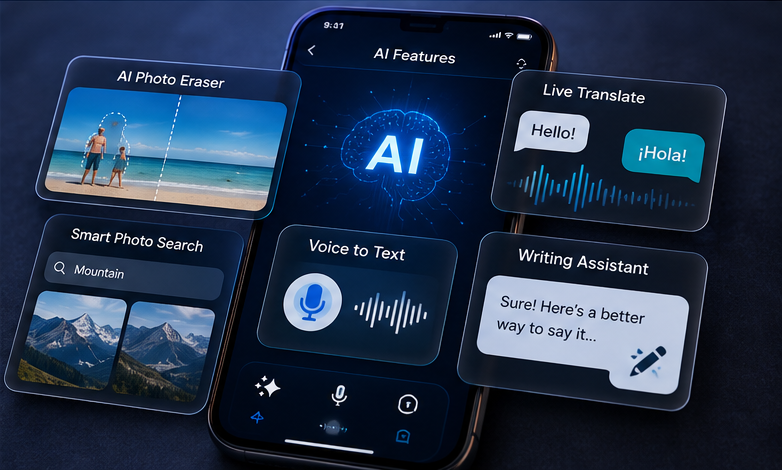
Remove unwanted people or objects from your photos with one tap.
Perfect for travel and family pictures.
4. AI Voice Recorder
Many modern phones can automatically:
- Convert speech to text
- Summarize meetings
- Highlight important points
Great for students and professionals.
5. AI Call Noise Reduction
Your phone can reduce background sounds during calls.
Even if you’re in traffic or a crowded place, your voice stays clear.
6. Smart Photo Search
Instead of scrolling through thousands of photos, simply search:
- Dog
- Beach
- Birthday
- Car
- Documents
AI finds them instantly.
7. Magic Photo Editing
Modern phones can:
- Improve lighting
- Remove shadows
- Enhance colors
- Sharpen blurry photos
Automatically.
8. AI Writing Assistant
Many phones now help you:
- Rewrite messages
- Correct grammar
- Change tone
- Summarize text
Perfect for emails and social media.
9. Live Captions
Watch videos even with the sound off.
AI generates captions in real time.
Great for accessibility and noisy environments.
10. AI Battery Optimization
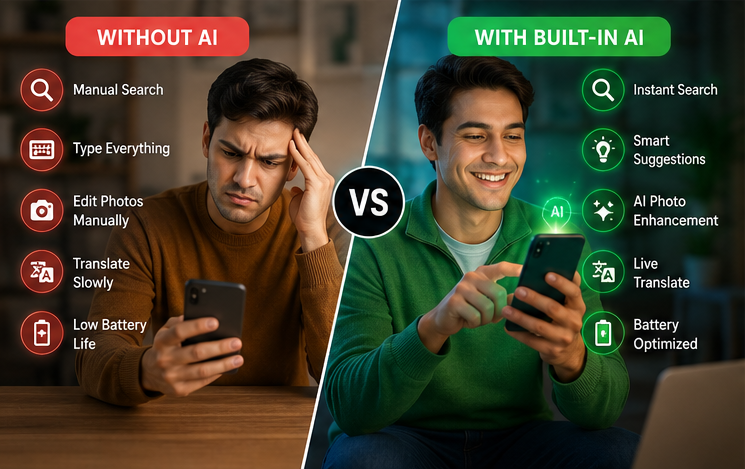
Your phone learns your daily routine and automatically manages battery usage.
This helps extend battery life without changing any settings.
Final Thoughts
Your smartphone is much smarter than most people realize.
These built-in AI features can save time, improve productivity, and make everyday tasks easier—all without installing extra apps.
Explore your phone’s settings and try these features. You may discover tools you’ve had all along but never used.
Frequently Asked Questions (FAQs)
1. What are AI features on a smartphone?
Answer: AI features are smart tools built into your phone that use artificial intelligence to automate tasks such as photo editing, voice recognition, language translation, writing assistance, and battery optimization.
2. Do I need an internet connection to use AI features?
Answer: Some AI features work offline, such as photo editing and voice typing on supported devices. Others, like live translation or cloud-based AI assistants, may require an internet connection.
3. Which Android phones have built-in AI features?
Answer: Many recent smartphones from Google Pixel, Samsung Galaxy, Xiaomi, OnePlus, OPPO, vivo, and HONOR include built-in AI features. The available tools depend on your phone model and software version.
4. Do iPhones have built-in AI features?
Answer: Yes. Recent iPhones include AI-powered features such as Live Text, Visual Look Up, photo editing, voice transcription, writing assistance, and intelligent search. Newer models may also support additional AI capabilities.
5. Can AI improve the quality of my photos?
Answer: Yes. AI can automatically enhance brightness, reduce noise, sharpen images, remove unwanted objects, and improve portrait photos with just a few taps.
6. Are built-in AI features safe to use?
Answer: Yes. AI features provided by your phone manufacturer are generally safe to use. For the best security, keep your phone updated with the latest software.
7. Will AI features slow down my phone?
Answer: No. Modern smartphones are designed to handle AI tasks efficiently. In many cases, AI actually improves performance by optimizing battery usage and managing background apps.
8. How do I know if my phone supports AI features?
Answer: Open your phone’s Settings and look for options related to AI, Intelligence, Smart Features, or Search. You can also visit your phone manufacturer’s support website to see which AI features your model supports.
9. Can AI help me save battery life?
Answer: Yes. Many smartphones use AI to learn your daily usage patterns and reduce battery consumption by limiting background activity for apps you rarely use.
10. Can AI translate conversations in real time?
Answer: Yes. Many modern smartphones can translate spoken conversations, text messages, and even signs in real time, making travel and communication much easier.