
10 Hidden WhatsApp Features You Should Start Using Today

WhatsApp is one of the most popular messaging apps in the world. Millions of people use it every day to chat with friends, family, and colleagues.
But most users only know the basic features like sending messages, photos, and videos.
WhatsApp has many hidden tools that can make your conversations safer, faster, and more organized.
Here are 10 hidden WhatsApp features you should start using today.
1. Edit Sent Messages
Made a typing mistake?
You can now edit a sent message within the allowed time limit instead of deleting and sending it again.
Simply long-press the message and tap Edit.
Best for: Fixing typos and correcting information.
2. Lock Individual Chats
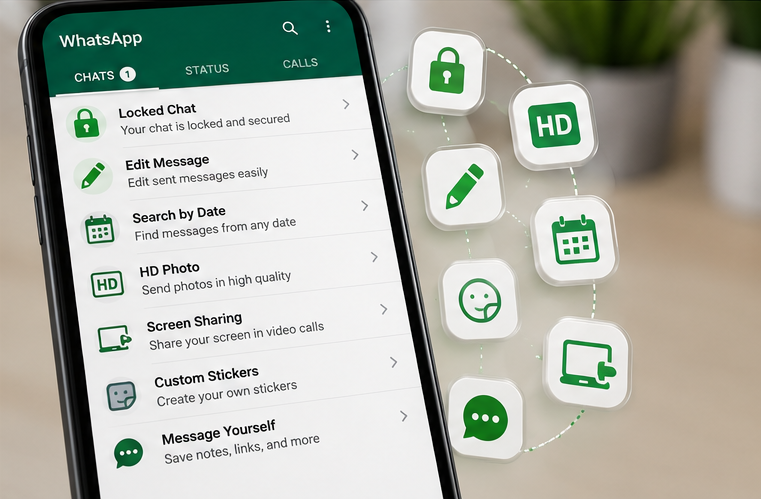
Protect your private conversations with Chat Lock.
Locked chats require your fingerprint, Face ID, or device PIN to open.
Great for keeping personal or work chats secure.
3. Search Messages by Date
Need to find an old conversation?
Open the chat, tap Search, then choose the Calendar icon to jump to messages from a specific date.
No more endless scrolling.
4. Send Photos in HD Quality
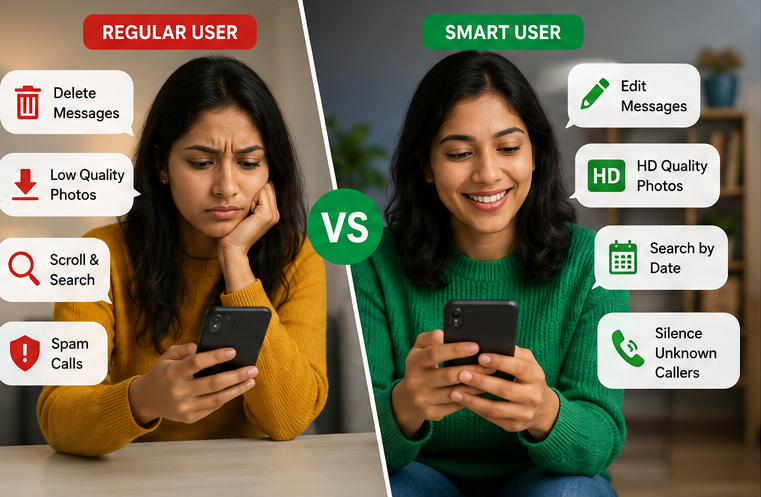
By default, WhatsApp compresses images.
Before sending a photo, tap the HD option to share a higher-quality version.
Perfect for travel photos, documents, and important images.
5. Use Multiple WhatsApp Accounts
You can now use two WhatsApp accounts on one phone (supported devices).
Ideal for separating work and personal conversations.
6. Pin Important Messages
Long-press a message and pin it to keep important information easy to find.
Useful for:
- Addresses
- Meeting links
- Password reminders (avoid storing sensitive passwords in chats)
- Shopping lists
7. Silence Unknown Callers
Reduce spam calls by enabling Silence Unknown Callers in Privacy settings.
Your phone won’t ring for unknown numbers, but you’ll still see missed calls.
8. Share Your Screen During Video Calls
Need to help someone or present something?
WhatsApp now lets you share your screen during video calls.
Great for:
- Online support
- Office meetings
- Family tech help
9. Create Your Own Stickers
Turn your photos into custom stickers directly within WhatsApp.
It’s a fun way to personalize chats without downloading extra apps.
10. Message Yourself
Save notes, reminders, links, shopping lists, or photos by sending them to your own WhatsApp chat.
It’s like having a simple personal notebook that’s always with you.
Bonus Tips
- Star important messages.
- Use disappearing messages for sensitive chats.
- Archive chats to keep your inbox clean.
- Enable two-step verification for extra account security.
- Create Communities to organize multiple groups.
Final Thoughts
WhatsApp is much more than a messaging app. These hidden features can help you stay organized, protect your privacy, and communicate more efficiently.
Try one or two of these features today, and you’ll likely wonder why you didn’t start using them sooner.
Frequently Asked Questions (FAQs)
1. Are these WhatsApp features free?
Answers: Yes, all of the features mentioned are available within WhatsApp at no additional cost, though availability may depend on your app version.
2. Can I use two WhatsApp accounts on one phone?
Answers: Yes, many supported Android devices now allow multiple WhatsApp accounts within the app.
3. Is Chat Lock secure?
Answers: Yes. Chat Lock uses your device’s existing authentication methods, such as fingerprint, Face ID, or PIN.
4. Will HD photos use more data?
Answers: Yes. Higher-quality photos are larger in size and may use more mobile data.
5. How do I keep my WhatsApp account secure?
Answers: Enable two-step verification, keep your app updated, and avoid sharing verification codes with anyone.
6. Do hidden WhatsApp features work on both Android and iPhone?
Answer: Most of the features mentioned in this guide are available on both Android and iPhone. However, some options may appear in different locations or require the latest version of WhatsApp.
7. How can I update WhatsApp to get the latest features?
Answer: Open the Google Play Store or Apple App Store, search for WhatsApp, and tap Update if a newer version is available.
8. Can I recover a message after editing it?
Answer: No. Once you edit a message, the original version cannot be viewed by other users. However, the message will show an “Edited” label.




Pingback: 10 Online Scams Everyone Should Know in 2026 (And How to Stay Safe)